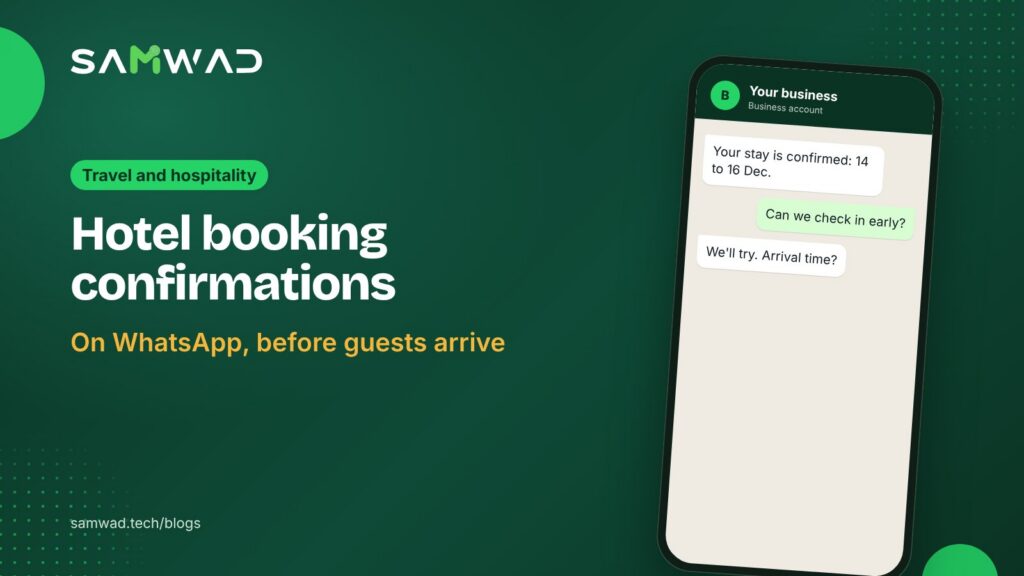
A booking confirmation by email is easy to lose in an inbox. On WhatsApp, it stays in a chat the guest can find in seconds, at the airport, in a taxi or at your front desk. It also opens a conversation: guests reply with their arrival time, ask about parking or request an early check-in.
Here's what a good booking confirmation on WhatsApp includes, and the short sequence of messages that should follow it.
In short
- Confirm the booking with everything the guest needs to arrive.
- Send one pre-arrival message three days out, and ask a useful question.
- Keep upgrades and offers out of the confirmation.
- Use the chat for the whole stay, not only the booking.
What the confirmation should include
- Guest name, booking reference and number of guests
- Check-in and check-out dates and times
- Room type and what's included, such as breakfast
- Amount paid and any amount due at the hotel
- Your address with a map link, and a contact number
- A link to your cancellation policy
Hi {{name}}, your stay at {{hotel}} is confirmed.
{{checkin}} to {{checkout}}, {{room_type}}, {{guests}} guests. Booking: {{ref}}
Paid: ₹{{paid}}. Due at check-in: ₹{{due}}.
Directions: {{map_link}}
Add arrival timeRequest pickupTalk to us
A confirmation of the guest's own booking fits Meta's utility category, which costs less than marketing. At Meta's India rates as of January 2026, a utility message sent outside the 24-hour window costs about ₹0.115 before GST, and a marketing message about ₹0.86. Meta can change its rates, so check the current ones in your WhatsApp Manager.
The pre-arrival sequence
| When | Message | Ask |
|---|---|---|
| At booking | Confirmation with all the details above | Arrival time |
| 3 days before | What to bring (ID), check-in time, parking | Pickup or special requests |
| Arrival day | Directions and the front desk number | Nothing; keep it short |
| After check-out | Thank you and the invoice | A one-question rating |
Each message should ask at most one thing. Guests answer a single, easy question; they ignore a form.
Keep offers separate
Room upgrades, spa packages and dining offers are worth sending, but not inside the confirmation. Meta can move a utility template with promotional content to the marketing category. Send offers as separate marketing messages to guests who opted in to hear about them, ideally a few days before arrival.
Answer the replies fast
A confirmation on WhatsApp gets replies, and fast answers set the tone for the stay. An AI agent can answer the routine questions about check-in times, parking, pets and breakfast, and pass requests like early check-in to your front desk in the shared inbox. Guests who call your WhatsApp number can be answered by the Voice AI agent.
How to set it up in SAMWAD
- Ask for the guest's WhatsApp number and consent when they book, on your website or through your booking engine.
- Create the confirmation and pre-arrival templates, and let SAGE check them against Meta's rules.
- Connect your booking engine or property management system through the API and webhooks, so each booking triggers its messages.
- Set up the front desk team in the shared inbox, with an AI agent for routine questions.
- After check-out, send the invoice and a rating question, and follow up on low scores personally.
Questions
Can hotels send booking confirmations on WhatsApp?
Yes, to guests who agreed to receive WhatsApp messages from the hotel. Booking confirmations fit Meta's utility category.
Should the invoice go on WhatsApp?
It's convenient for guests. Send it as a PDF after check-out, and keep the same details in your email confirmation for their records.
What about guests who book through online travel agencies?
You can message them if they share their number with you and agree to hear from you, for example at check-in.
For what happens during the stay, read handling guest requests on WhatsApp, see WhatsApp for travel, or download the guest messaging playbook.