For most developers and brokers, the site visit is the real sale. Buyers rarely book a flat they haven't walked through. Yet many enquiries never get that far: the first reply comes hours later, the buyer's questions go unanswered, or the visit is booked and then forgotten.
WhatsApp fixes most of these gaps, because it's where buyers already reply. Here's a step-by-step way to book more site visits on WhatsApp, from the first message to the follow-up after the visit.
In short
- Reply to new enquiries within minutes, not hours.
- Ask three or four qualifying questions before you offer a visit.
- Confirm visits with a location pin and remind buyers the day before.
- Follow up the same day, while the visit is fresh.
1. Reply while the buyer is still looking
A buyer who enquires about your project is usually comparing several others the same evening. The first project to reply with something useful often gets the visit.
An AI agent can send that first reply at any hour: project highlights, price range, the nearest landmark and an offer to book a visit. In SAMWAD, YARA handles this first conversation and hands the buyer to your sales team once they're ready.
If buyers call instead, the Voice AI agent can answer inbound WhatsApp calls, note the requirement and pass it to your team.
2. Qualify in a few questions
Before offering a visit, ask what you need to suggest the right unit. Keep it to three or four questions, and use buttons or a short form so buyers can answer with a tap:
- Configuration: 2 BHK, 3 BHK or larger
- Budget range
- When they plan to buy: now, within 3 months, or later
- Whether the home is for living in or for investment
A WhatsApp Flows form collects these answers in a structured way, so your sales team sees them at a glance.
3. Offer slots and confirm with a pin
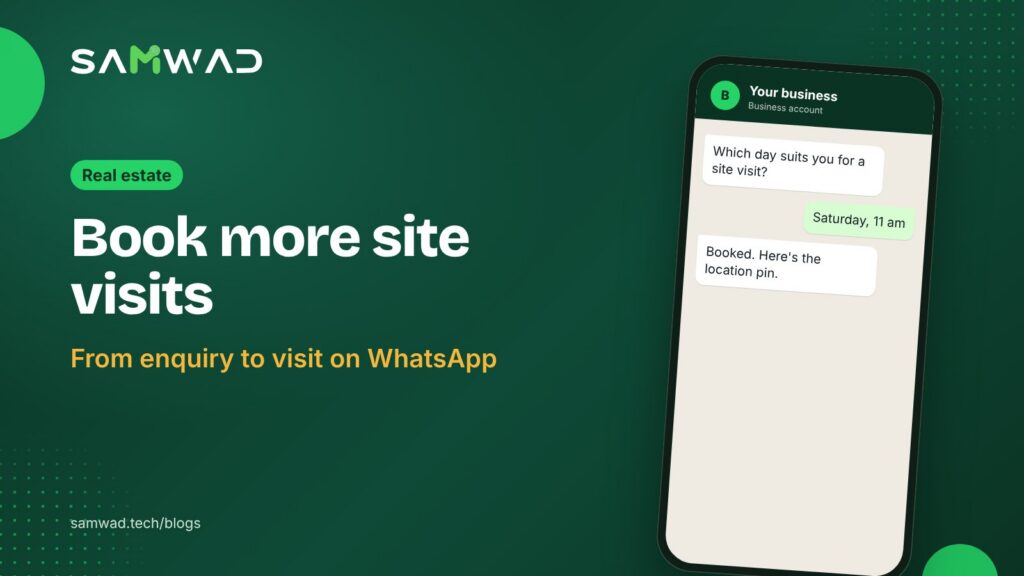
Offer two or three specific slots rather than asking "when are you free?". Once the buyer picks one, confirm straight away with everything they need to arrive:
Your site visit to {{project}} is booked for {{date}} at {{time}}.
Your relationship manager, {{rm_name}}, will meet you at the sales office. Location: {{map_link}}
RescheduleGet directionsCall us
Because this confirmation follows the buyer's own request, it generally fits Meta's utility category, which costs less than marketing. Keep offers out of it so it stays that way.
4. Remind, and make rescheduling easy
| When | Message |
|---|---|
| Right after booking | Confirmation with date, time, location pin and RM's name |
| The day before | Reminder with a reschedule button |
| 2 hours before | Directions and parking details |
| If they miss it | "Sorry we missed you" with two new slots |
A reschedule button saves the visit more often than it loses it. A buyer who can move the slot with a tap is less likely to simply not turn up.
5. Follow up the same day
Send the brochure, the price sheet for the unit they liked and the payment plan within a few hours of the visit, and ask one question: what would help them decide? Replies inside the 24-hour window are free, so this is the cheapest point in the journey to keep talking.
Your team can work these follow-ups from one shared inbox, with each buyer assigned to their relationship manager.
Mind your RERA details
Under Section 11(2) of the RERA Act, a promoter's advertisements must carry the project's registration number and the website address of the state's RERA authority. Some states go further: Maharashtra's MahaRERA has required a QR code on project promotions since August 2023. Check your state's rules and include these details in promotional broadcasts about a project.
Questions
Can I send site visit reminders without paying marketing rates?
Reminders about a visit the buyer booked generally fit Meta's utility category, as long as they don't include offers. At Meta's India rates as of January 2026, a utility message sent outside the 24-hour window costs about ₹0.115 before GST, and a marketing message about ₹0.86. Meta can change its rates, so check the current ones in your WhatsApp Manager.
Should I use an AI agent or my sales team for the first reply?
Use both. Let the AI agent reply in minutes with useful details and collect requirements, then hand buyers who want a visit to a person.
Can buyers share their requirements in a form?
Yes. WhatsApp Flows lets buyers fill a short form inside the chat, so configuration, budget and timeline arrive in a structured way.
See everything developers and brokers can run on WhatsApp on WhatsApp for real estate, or download the real estate playbook.