Every cash-on-delivery order that comes back undelivered costs you twice: shipping out and shipping back, plus stock that sits in transit for a week. Many of these returns are predictable. The customer ordered on impulse, typed the wrong address or wasn't expecting the parcel when it arrived.
A simple COD confirmation on WhatsApp, sent before you dispatch, catches most of these problems while they're still cheap to fix.
In short
- Confirm every COD order on WhatsApp before you hand it to the courier.
- Give customers one-tap buttons to confirm, cancel or fix their address.
- Offer a prepaid option in the same chat.
- Hold orders nobody confirms, and remind once before you cancel.
Why COD orders fail
- Second thoughts. The customer ordered late at night and changed their mind by morning.
- Wrong or incomplete address. A missing flat number or landmark sends the courier in circles.
- Nobody at home. The customer didn't know the parcel was coming that day.
- Not enough cash. The customer didn't have the exact amount ready.
Each of these can be fixed with one message before the parcel leaves your warehouse.
The confirmation message
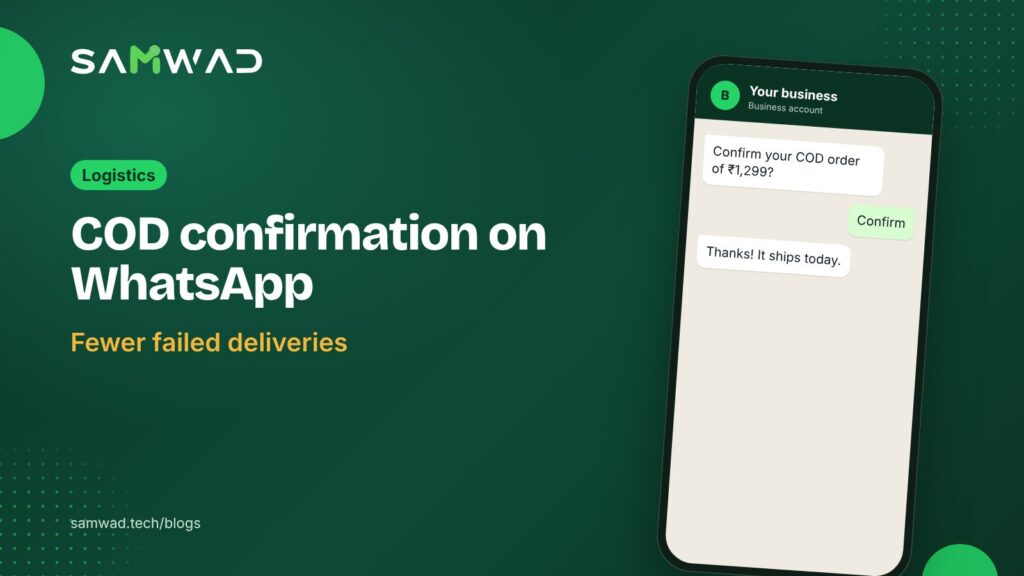
Send it within minutes of the order, while the customer still remembers placing it. Keep it to the facts: what they ordered, the amount to pay in cash and the delivery address.
Hi {{name}}, thanks for your order {{order_id}} from {{store}}.
{{items}}, ₹{{amount}} to pay in cash on delivery.
Delivering to: {{address}}
Please confirm so we can ship it today.
Confirm orderChange addressCancel
Order confirmations are one of the examples Meta gives for its utility category, so this message costs the lower rate. At Meta's India rates as of January 2026, a utility message sent outside the 24-hour window costs about ₹0.115 before GST, and a marketing message about ₹0.86. Meta can change its rates, so check the current ones in your WhatsApp Manager. Keep discounts and cross-sell offers out of it, or Meta can move the template to marketing.
Fix the address in the chat
When a customer taps Change address, show a short WhatsApp Flows form with separate fields for house number, street, landmark and pincode. Structured fields arrive cleaner than a typed paragraph, and your team can update the order without a call.
Offer a prepaid option
Some customers choose COD out of habit, not need. After they confirm, offer to switch to prepaid with a payment link in the chat, and tell them what they get for it, such as faster dispatch. On SAMWAD's Premium plan, payment links can be part of the journey, along with COD confirmation.
Hold what nobody confirms
| When | What happens |
|---|---|
| Order placed | Confirmation message with buttons |
| 4 to 6 hours later, no reply | One reminder |
| 24 hours, still no reply | Hold the order and call, or cancel it, depending on your policy |
| Confirmed | Dispatch, then send shipping and delivery updates |
Decide your policy for unconfirmed orders in advance, and say it in the reminder: "We'll hold your order until tomorrow 6 pm." Clear deadlines get more replies.
Keep the conversation going after dispatch
Once the order ships, send an out-for-delivery message on the delivery day with a reminder to keep the cash ready. Read our guide to WhatsApp for logistics and the post on WhatsApp delivery updates for the messages that come next.
How to set it up in SAMWAD
- Connect your store. SAMWAD integrates with WooCommerce and Shopify, so new COD orders can trigger the confirmation.
- Create the confirmation and reminder templates, and let SAGE check them against Meta's rules.
- Add the address form and, on Premium, the payment link step.
- Route replies that need a person, such as "can you deliver after 7 pm?", to your team in the shared inbox.
- Track confirmation, cancellation and return-to-origin rates each week.
Running a store? See WhatsApp for e-commerce for the full order journey, from abandoned carts to repeat orders.
Questions
Is a COD confirmation a utility message?
Yes, as long as it sticks to the order. Meta lists order confirmations and updates as examples of utility messages.
How soon should I send the confirmation?
Within minutes of the order, while the customer still remembers placing it.
What if the customer doesn't reply?
Send one reminder, then hold or cancel the order according to a policy you've stated in the message.
For the full delivery journey, download the delivery playbook.