Every missed appointment is an empty slot your doctor can't fill and a patient whose care is delayed. Reminders are the simplest fix, and the evidence backs them: a Cochrane review of seven studies with 5,841 participants found that text message reminders raised attendance from 67.8% to 78.6% compared with no reminder.
WhatsApp takes this a step further, because patients can confirm, reschedule or ask a question in the same chat. Here's how to set up WhatsApp appointment reminders that patients act on.
In short
- Confirm every booking, then remind 24 hours and 2 to 3 hours before.
- Give patients one-tap buttons to confirm, reschedule or cancel.
- Keep test names and diagnoses out of reminder text.
- Fill cancelled slots from your waiting list the same day.
What every reminder should say
A patient should be able to act on the reminder without calling the clinic. Include:
- The doctor's name, date and time
- The branch address, with a map link if you have more than one branch
- Any preparation, such as fasting or bringing old reports
- Buttons to confirm, reschedule or cancel
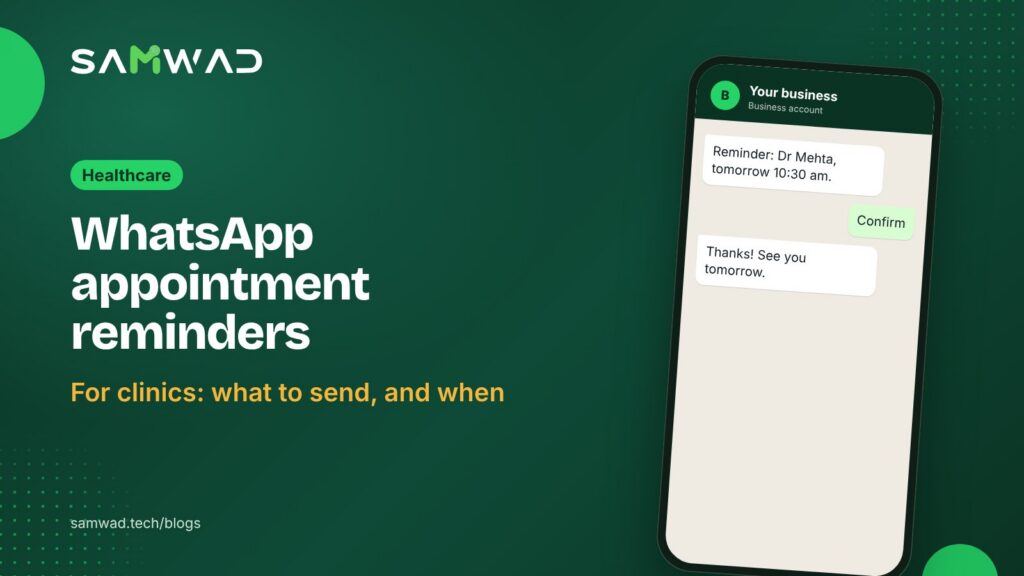
Hi {{name}}, this is a reminder of your appointment with {{doctor}} on {{date}} at {{time}}.
{{branch}}, {{address}}. Please arrive 10 minutes early and bring any previous reports.
ConfirmRescheduleCancel
Leave out the reason for the visit, test names and diagnoses. Notifications appear on lock screens and shared family phones, and a patient may not want "Thyroid test" showing to whoever picks up the phone.
When to send them
| When | Message | Purpose |
|---|---|---|
| At booking | Confirmation with date, time, doctor and address | Patient has the details in writing |
| 24 hours before | Reminder with confirm, reschedule and cancel buttons | Time to fill a cancelled slot |
| 2 to 3 hours before | Short reminder with directions | Catch people who forgot |
| After the visit | Prescription summary or next appointment date, plus a feedback question | Continuity of care |
The 24-hour reminder does the most work. It gives patients time to cancel and gives your front desk time to offer the slot to someone else.
Utility, not marketing
Meta sorts templates into categories, and the category sets the price. A reminder about an appointment the patient booked follows up on their own request, which is what Meta's utility category describes, so it costs less than a marketing message. At Meta's India rates as of January 2026, a utility message sent outside the 24-hour window costs about ₹0.115 before GST, and a marketing message about ₹0.86. Meta can change its rates, so check the current ones in your WhatsApp Manager.
Keep health camp promotions and package offers out of reminders. A reminder with an offer added can be moved to marketing during Meta's reviews.
Make rescheduling a one-tap job
When a patient taps Reschedule, show them the next available slots in a short WhatsApp Flows form inside the chat. They pick one, you confirm it, and nobody has to call the front desk. When they tap Cancel, offer the slot to the next patient on your waiting list.
Replies inside the 24-hour window are free, so this back-and-forth costs nothing beyond the reminder itself.
Answer the questions that come with reminders
Reminders prompt questions: Do I need to fast? Is there parking? Can my father come instead? An AI agent can answer the general ones from your clinic's information, and pass anything clinical to your staff. In SAMWAD, YARA handles routine questions and your front desk handles the rest in a shared team inbox. Patients who call your WhatsApp number can be greeted by the Voice AI agent, which answers inbound calls.
How to set it up in SAMWAD
- Ask patients at booking whether they'd like updates on WhatsApp, and record their answer. Meta requires that a person agrees to hear from your business.
- Create your confirmation and reminder templates, and let SAGE check them against Meta's rules before you submit them.
- Connect your booking system through the API and webhooks, so each booking triggers its confirmation and reminders.
- Add the reschedule form and route replies to your front desk team.
- Track confirmations and no-shows by branch and doctor each week.
Questions
Do WhatsApp reminders reduce no-shows?
Research on text message reminders says yes: in the Cochrane review, attendance rose from 67.8% with no reminder to 78.6% with text reminders. WhatsApp adds one-tap confirm and reschedule options on top.
How many reminders should a clinic send?
Two is enough for most appointments: one 24 hours before and one 2 to 3 hours before, plus the confirmation at booking.
Can patients reply to a reminder?
Yes, and replies inside the 24-hour window are free. Use buttons for the common answers and send the rest to your front desk.
See more on WhatsApp for healthcare, or download the patient communication guide.
Sources
- Gurol-Urganci et al., Cochrane review: Mobile phone messaging reminders for attendance at healthcare appointments (2013)
- Meta: Template categorization guidelines
- Meta: Get opt-in for WhatsApp
- Meta: Pricing on the WhatsApp Business Platform
- Monty Mobile: WhatsApp Business API pricing in India (INR rates, January 2026)