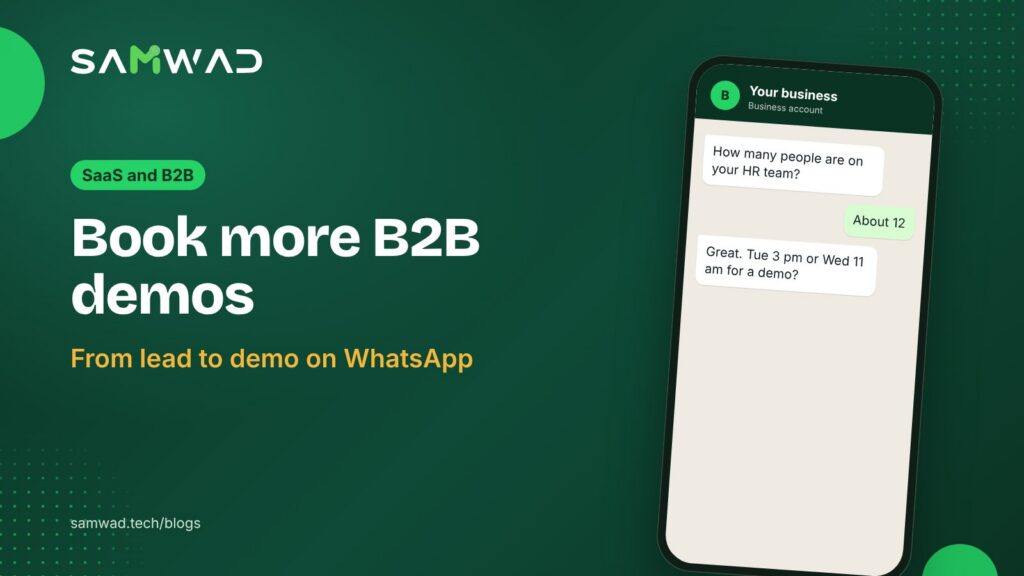
In B2B sales, the gap between "request a demo" and the demo itself is where pipeline leaks. The lead fills a form, waits a day for an email, and by then has booked a call with a competitor. Even booked demos slip: calendar invites get buried and prospects don't turn up.
WhatsApp closes both gaps. Here's how to book demos on WhatsApp, from the first reply to the follow-up.
In short
- Reply to new leads within minutes, while they're still on your website.
- Qualify with three or four questions, so the demo is the right one.
- Confirm and remind on WhatsApp, with the joining link in the message.
- Follow up the same day with a recap and a clear next step.
Reply in minutes
Add a WhatsApp opt-in to your demo form, or a WhatsApp button that opens a chat, and send the first message right away: thanks, a one-line answer to "what happens now?", and a first qualifying question.
An AI agent can handle this at any hour, so a lead who fills your form at 10 pm on a Sunday gets an answer on Sunday, not on Monday afternoon.
Qualify before you book
A demo for the wrong person wastes your best salesperson's hour. Ask three or four questions first, with buttons where you can:
- Team size or company size
- The main problem they want to solve
- Their timeline: this month, this quarter or exploring
- Who else should join the demo
A short WhatsApp Flows form collects these answers in a structured way, ready to pass to your CRM or your sales team.
Offer slots, not a calendar
Offer two or three specific times based on your sales team's availability, or send your booking link. Once the lead picks a slot, confirm it in the same chat with the joining link.
Your demo of {{product}} is booked for {{date}} at {{time}} with {{rep_name}}.
Join here: {{meeting_link}}
Want to add a colleague? Reply with their name and email.
RescheduleAdd to calendar
Cut no-shows with two reminders
| When | Message |
|---|---|
| Right after booking | Confirmation with date, time, rep's name and joining link |
| The day before | Reminder with a reschedule button |
| 1 hour before | Short reminder with the joining link |
| If they miss it | "Sorry we missed you" with two new slots |
These messages follow up on the lead's own booking, so they generally fit Meta's utility category. At Meta's India rates as of January 2026, a utility message sent outside the 24-hour window costs about ₹0.115 before GST, and a marketing message about ₹0.86. Meta can change its rates, so check the current ones in your WhatsApp Manager.
Follow up the same day
Within a few hours of the demo, send a short recap: the two or three points the prospect cared about, the proposal or pricing link, and one question about next steps. Replies inside the 24-hour window are free, and prospects often answer on WhatsApp faster than on email.
Your sales team can work every conversation from one shared inbox, with each lead assigned to their rep. Enterprise plans add custom integrations with your CRM; on other plans, Zapier or Make can pass qualified leads to your CRM.
Questions
Is WhatsApp too informal for B2B sales?
Not when the messages are short, useful and expected. Many B2B buyers prefer a quick WhatsApp confirmation to another email.
What if the lead hasn't opted in to WhatsApp?
Then don't message them on WhatsApp. Add a clear opt-in to your demo form, or let leads start the chat with a WhatsApp button.
Can an AI agent qualify B2B leads?
Yes, for the standard questions. Hand the conversation to a person as soon as the lead is qualified or asks something specific.
See more ways SaaS and B2B teams use WhatsApp on WhatsApp for SaaS, or download the SaaS playbook.